Category: Marketing

Digital Marketing and Content Writing Courses – Mastering Digital Skills

Digital Marketing and Content Writing Courses – Introduction

Knowing how to write compelling content and marketing online is important. That’s why more and more people are enrolling in digital marketing and content writing courses. These courses teach you how to shine in the digital world, where grabbing attention and connecting with your audience is key. Whether you are a business owner, an aspiring marketer, or someone looking to boost your online presence, these courses help you master the art of digital expression and stand out in the digital crowd.

Features of Digital Marketing and Content Writing Courses

Content Writing Courses:

1. Teaches Content Creation
Creating engaging content is essential for online success. These courses teach the basics of content creation and how to write purposeful words. They explore storytelling techniques and show how to make interesting content across various digital platforms.

2. Simplifies SEO Algorithms
Mastering search engine optimization (SEO) concepts and implementation is important in today’s digital world. These courses solve the complexities of SEO and equip learners with skills to optimize content while keeping it engaging. Content creators learn how to make their content both interesting and easily discoverable.

3. Guide to Enhancing Adaptability Across Platforms
Digital landscapes are diverse, including blogs, social networks, websites, etc. Therefore, enrolling in these free online courses emphasizes adaptability. They teach individuals how to customize their writing style for different platforms while maintaining a consistent brand message. Content creators learn to use their words effectively across diverse digital platforms, be it a compelling blog post or a concise social media update.

Digital Marketing Courses:

1. Digital Marketing is the Future
Digital marketing is revolutionizing traditional marketing methods. Online digital marketing courses focus on data-driven strategies customized for the modern world. These courses cover marketing principles and explore the evolving digital landscape shaped by analytics and consumer behavior.

2. Helps Build an Online Brand Presence
Online courses explore the social media strategies that can make or break your brand. These courses help individuals learn how to use social media platforms, grow their brand, and engage audiences.

3. Provides Analytical Edge in Decision-Making
Digital marketing is not guesswork; it’s a precise science. Online marketing courses provide marketers with tools to interpret data and consumer behavior and make educated decisions. Moreover, understanding analytics is an important skill that enables marketers to optimize their campaigns and refine their strategies.

Synergy of Digital Marketing and Content Writing Courses

1. Harmonizing Content Creation and Promotion
Magic occurs at the intersection between content writing and online marketing. With the help of content writing classes, writers can seamlessly incorporate their work into digital marketing campaigns. The synergy between these skills will ensure that content is not just telling a story but also strategically contributing to brand growth and visibility.

2. It is a Market Funnel From Words to Conversions
Digital marketing courses often explain the funnel concept – turning leads into customers. In this process, content writing creates awareness, fosters interest, and guides potential customers on their journey from discovery to conversion. Content creation and digital marketing techniques ensure an engaging and seamless customer experience.

3. Helps Create Brand Consistency
Consistency is important in this digital world. Content writing courses stress the importance of maintaining a consistent brand voice and message across digital platforms. Digital marketing courses teach marketers how to amplify this consistency through campaigns, building a memorable digital brand.

The Digital Prowess of Personal and Professional Growth

Today, learning digital marketing and content writing can significantly boost your career. These courses provide valuable skills necessary for excelling in the digital domain. From creating compelling content to efficiently handling social media, acquiring these abilities will give you a distinct advantage in today’s digital age.

Moreover, for aspiring entrepreneurs, combining digital marketing and content writing skills can open doors to exciting possibilities. These courses can help you kickstart ventures like e-commerce stores, content-driven blogs, or digital marketing agencies. They provide the necessary tools and insights to establish and grow successful digital businesses.

Final Thoughts

Digital marketing and content writing courses teach you how to craft compelling stories and get your work noticed online. Mastering this combination will be crucial for success in digital promotion. As technology advances and competition increases, individuals with creative storytelling and marketing skills will stand out.

Read More

8 Best Social Media Trends Marketing Strategists Should Use in 2024

What are Social Media Tendencies?

Social media tendencies check with widespread and widespread subjects, themes, or patterns that individuals discuss, share, or interact with on social media platforms. These tendencies can embrace hashtags, challenges, memes, or any content material that positive aspects vital consideration and turns into extensively shared inside a particular interval.

8 Newest Social Media Tendencies for 2024

1. Improve Engagement with Audio

At present, there’s a rising pattern centered on “audios” – something associated to sound. It contains radios, podcasts, playlists, and on-line conferences or calls. Thus, a dependable web connection, like Xfinity Internet, is essential for making certain clear and crisp audio experiences to your viewers.

Varied social media platforms have lately jumped on the audio bandwagon to draw extra customers. In 2021, Clubhouse, a social audio platform, gained recognition however finally misplaced its edge, main different platforms to undertake comparable concepts.

Main gamers like Fb and Twitter (now X) have built-in audio options corresponding to podcasts, soundbites, rooms, and areas. These options enable manufacturers to host audio discussions, share vital information, and help creators within the audio realm.

Companies can use these social audio methods to broaden their viewers attain and strengthen their place out there. Furthermore, manufacturers can leverage these improvements to attach with audiences in partaking methods, finally benefiting their enterprise objectives.

2. Enhance Gross sales Utilizing Social Commerce

Social commerce is about shopping for and promoting merchandise straight on social media platforms. It’s a good strategy to join with clients as a result of individuals these days don’t wish to open a number of tabs to purchase issues. That’s the reason investing in an excellent social commerce technique is vital.

3. Use TikTok and Its Rising Reputation

TikTok has turn out to be tremendously widespread because it first got here out. It grew rather a lot and have become an enormous deal in 2020. Even now, there are billions of individuals utilizing it everywhere in the world. Folks make plenty of movies on TikTok on daily basis. Research say the common TikTok consumer spends about 89 minutes on the app day by day.

In case your model goals at a youthful viewers, make the most of TikTok as an amazing platform to interact with them. Take part in present social media tendencies and even provoke your tendencies for individuals to observe. There are a lot of methods for companies to make use of TikTok to attach with their clients.

4. Broaden Your Model within the Creator Economic system

With platforms like YouTube, TikTok, and Instagram investing in creator funds (cash put aside to help on-line content material creators), the Creator Economic system is booming. These days, tens of millions of individuals see themselves as creators on social media, making content material and gaining followers. This pattern is making a huge impact on manufacturers.

Because the creator economic system grows, extra methods are rising for manufacturers to leverage. Using this creator area to your model can lead to excessive engagement charges.

5. Create Impactful Messages with Shorter Movies

To enhance engagement and kind a stronger bond with their viewers, manufacturers ought to fine-tune their video advertising methods.

Quick movies are an enormous pattern these days and nice for manufacturers. Whether or not clients or viewers, individuals don’t like watching lengthy movies a couple of product or an advert. They like brief and easy ones. Companies can simply make and share brief movies on their social media pages.

6. Keep Forward with Proactive Social Communication

These days, destructive info spreads shortly, particularly on the web. Messages and information journey shortly, making everybody inclined to criticism, suggestions, and communication issues.

Due to this fact, companies should create efficient communication plans to keep away from hassle brought on by misunderstandings.

As a model proprietor, making certain your social media administration group is proactive and geared up with methods to deal with delicate points is vital. This fashion, you’ll be able to stop any undesired consideration or backlash and keep a optimistic picture to your model.

7. Prioritize Sustainability Amid Local weather Issues

Individuals are involved about local weather change and taking good care of the surroundings. Social media is buzzing with requires companies to play their function in addressing local weather change by minimizing their carbon footprint.

It is vital as a result of these gasses contribute to local weather change. Due to this fact, companies ought to make sustainability an everyday factor, that means they need to undertake practices which might be good for the surroundings.

8. Revolutionize Retail with Reside Purchasing Experiences

Reside Purchasing is a scorching new pattern in on-line buying that’s shortly gaining recognition. Retail manufacturers go stay on their channels, showcasing their merchandise in actual time. It’s a cool and efficient approach for companies to attach with clients.

You possibly can plan for a stay session or begin one spontaneously, and clients can simply watch and purchase from the consolation of their properties. It’s a hassle-free and fascinating expertise, giving clients a firsthand have a look at merchandise earlier than buying.

Ultimate Ideas

To reach social media, companies ought to undertake the most recent social media tendencies like investing in social commerce, utilizing widespread social media platforms, partaking with the creator economic system, mastering communication, prioritizing sustainability, and many others. These methods assist companies navigate social media modifications and join meaningfully with their viewers, making certain a profitable and lasting digital presence.

Read More

What is a Zero-Click Search? 3 Strategies to Avoid Zero-Click Search

What is Zero-Click Search?

Suppose you search for something on a search engine like Google, and it provides all the necessary information directly on the search results page. Now, you don’t need to click on any provided links for further information. Ever wondered why this happens? This is a phenomenon known as zero-click searches.

It typically happens when the search engine generates a featured snippet of information at the top of the search results page, answering your query comprehensively. As a result, the user obtains the desired information without needing to navigate to any external websites, hence the term “zero-click.”

Just to give you an example. If you search for “kilometers in a mile” on Google, you get this:

Zero-Click Search

(Source: Google)

Evolution of Zero-Click Search Trend

An increasing number of Google searches end without users clicking on any search results. This results in missed opportunities for website owners to attract traffic.

As Google technology advances, the trend of zero-click searches will continue. This trend is growing because search engines want to provide users with instant and relevant information right on the search results page. According to SemRush, 25.6 of desktop searches are zero-click searches.

However, there are effective strategies to reduce the impact of zero-click searches and drive traffic to your website.

Disadvantages of Zero-Click Search

From a marketing perspective, zero-click search is a problem. Here are some of the disadvantages of zero-click searches:

1. Reduced Website Traffic

Zero-click searches lower website traffic because users find the information they need on the search results page without clicking any links. This poses a significant challenge for eCommerce websites, which rely on website traffic to generate sales. When users can access the information they seek without visiting the website, it reduces the opportunity for engagement and conversion.

2. Limited Branding Opportunities

Zero-click searches offer fewer branding opportunities if Google doesn’t feature your brand in snippets for a given query. Since users typically don’t click on your website link, they miss out on experiencing your brand identity, values, and product offerings.

3. Lack of Control Over Content Presentation

You have limited control over how your content is presented in a featured snippet if Google chooses to display it. This lack of control extends to shaping people’s perceptions of your brand based on what they see on search engine results pages.

How to Avoid Zero-Click Search?

It doesn’t matter if marketers like them or not; the truth is that Google snippets are here to stay. The good thing is there are ways to avoid zero-click searches. You can learn three of those excellent strategies in this section.

1. Focus on User Intent

When selecting keywords, it’s important to consider the needs and intentions of your users. Focus on keywords that require comprehensive information and detailed responses.

Avoid targeting keywords associated with simple queries like dates, addresses, or quotes, as Google’s snippets often provide quick answers. Instead, prioritize transactional searches, where users are looking to purchase but may be undecided about where to do so. For example, keywords like “22” mountain bike tires” indicate specific product intent and are valuable for e-commerce pages.

Additionally, consider targeting navigational searches involving users seeking a specific website or brand. These searches typically have a single correct answer, such as “the American Red Cross.”

Commercial searches are also valuable, as they indicate users are actively looking for a product or service but may not have a particular company in mind. Examples include targeting “best budget lawn mower,” with product comparison pages or similar content.

2. Choose High CPC Keywords

Keywords with a high cost per click (CPC) are less likely to feature Google snippets, as Google prioritizes ad revenue. Conversely, low CPC keywords are likelier to have snippets for a better user experience.

Thus, to identify high CPC keywords, check the CPC column in your preferred SEO tool, such as Ahrefs Keyword Explorer, for detailed information.

Choose High CPC Keywords

(Source: Ahref)

However, targeting a high CPC keyword doesn’t guarantee a higher ranking in search results. You still need compelling page titles to entice clicks and follow good SEO practices. Furthermore, ensure you have a high-quality landing page and content to attract organic traffic. Generative AI can assist in creating engaging copy for your website.

3. Use Long-Tail Keywords

Utilizing long-tail keywords can help you avoid zero-click searches and increase the chances of users clicking on your page. High-quality insights often don’t fit into Google snippets due to their depth and complexity.

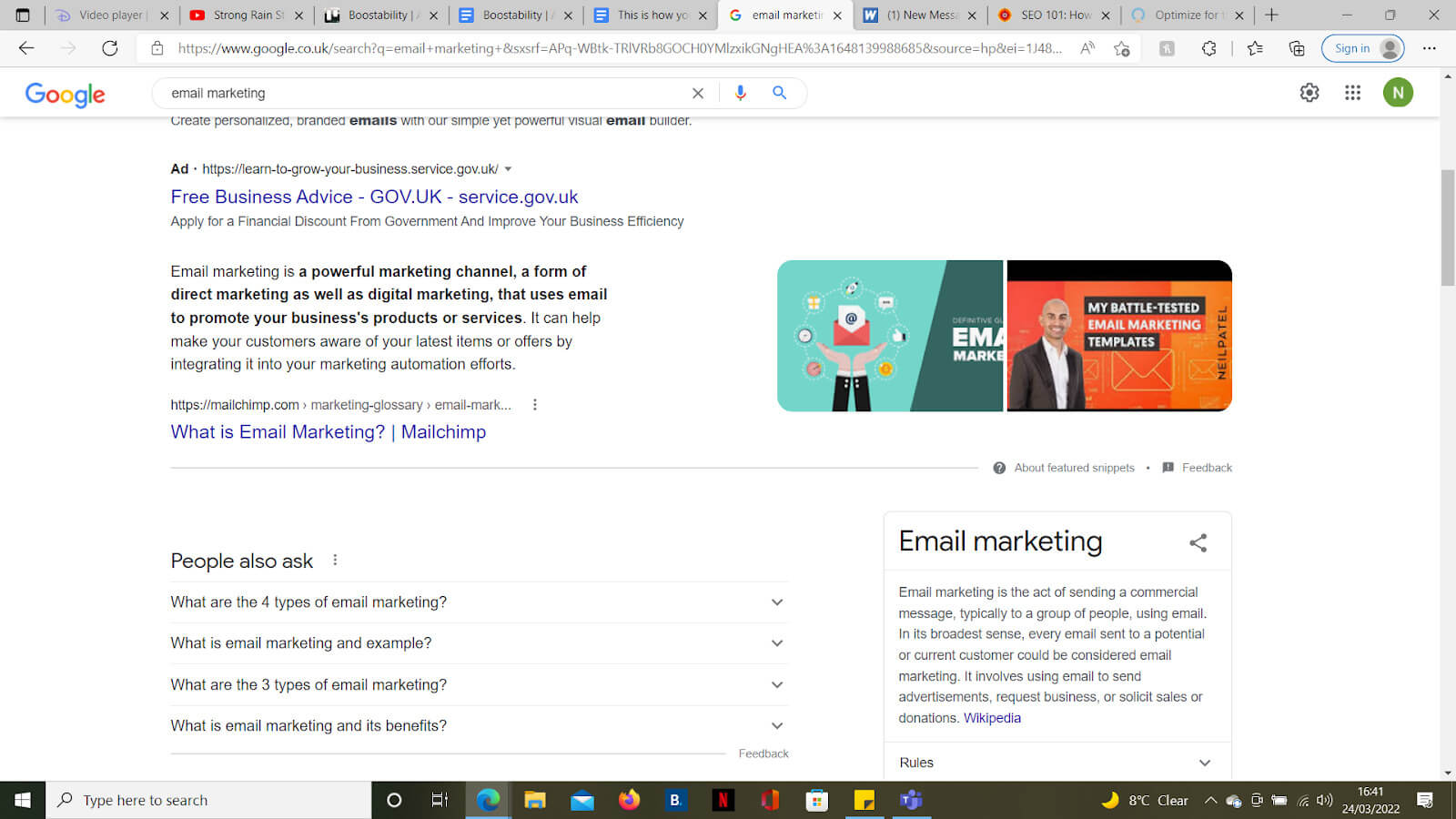
For example, when you search ‘email marketing’ on Google, you get this snippet giving a general definition:

Zero-Click Search-Use Long-Tail Keywords

(Source: Google)

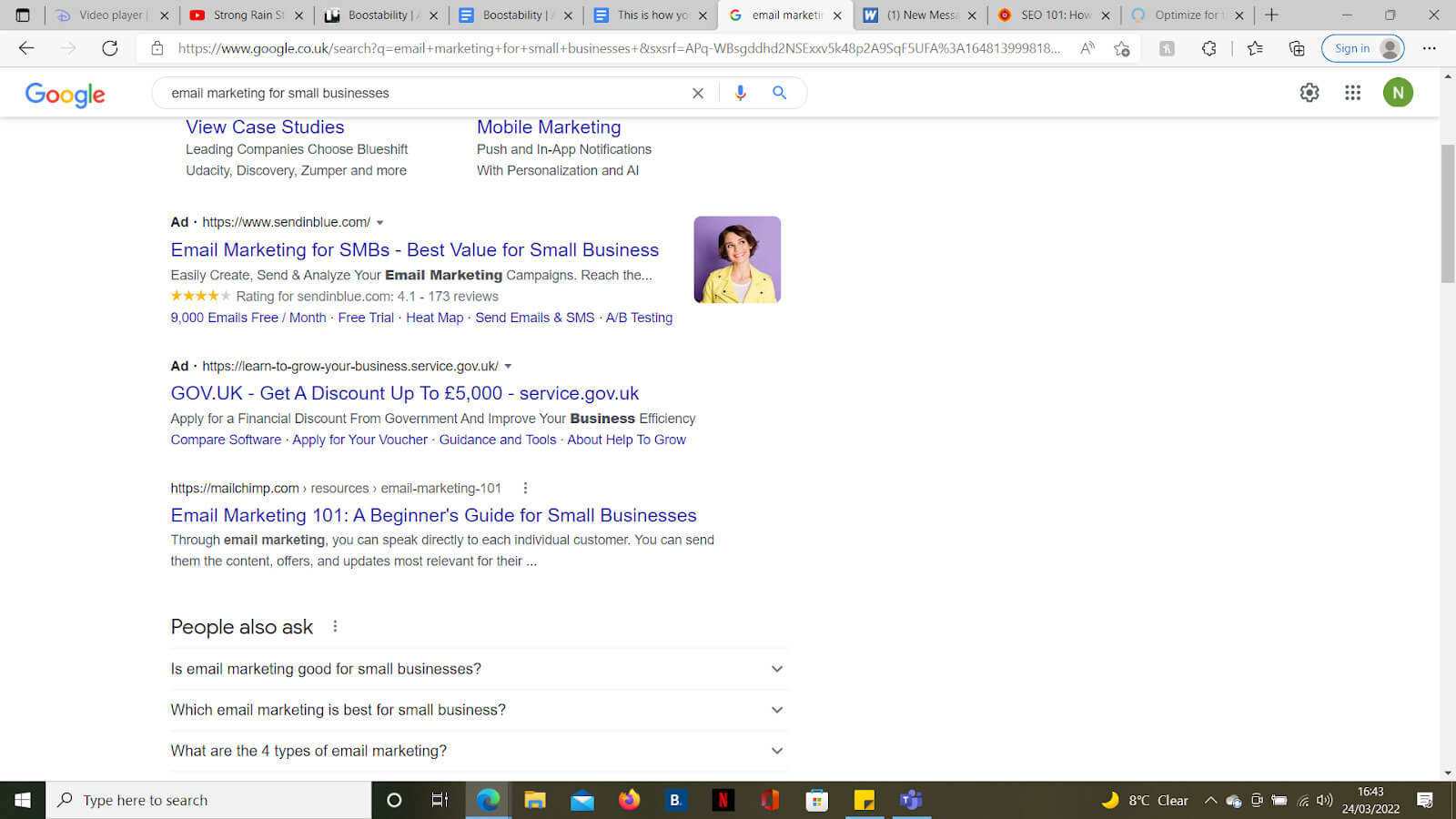
But when you search ‘email marketing for small businesses,’ you just get links and no snippets.

Use Long-Tail Keywords 2

(Source: Google)

To capitalize on this, target long-tail keywords in your content creation. Since Google is less likely to provide snippets for these queries, users will have to click on search results, potentially leading them to your content.

You can identify long-tail keywords using the same keyword research tools mentioned earlier.

Other Tips to Improve Search Engine Ranking

To improve your website’s search engine ranking:

  1. Consider partnering up with a trusted SEO agency.
  2. Ensure your website is easy to use and navigate so that visitors stay engaged and are more likely to take the actions you want.
  3. Optimize your website for SEO hosting to improve its visibility and performance in search results.

Final Thoughts

In conclusion, while zero-click searches are common with Google’s snippets, there are ways to drive traffic to your site and avoid them. You can maximize your impact by combining the best practices mentioned in the article. Additionally, don’t forget to implement SEO best practices to ensure your site appears prominently on search engine results pages. This ensures users choose your link over competitors’ when snippets are unavailable.

Read More

What is Programmatic Advertising And How Does it Work? | E-Services 360

What is Programmatic Advertising?

Programmatic advertising uses auction-based software to simplify the purchasing and selling of digital advertising space or inventory (such as on websites or applications) in real time.

In simple words, programmatic advertising is a smart software that helps businesses show an advertisement to the right user at the right time. Here, instead of humans negotiating deals with advertisers and deciding which ads to put, computers use customer’s data and algorithms to figure out the best ads to show them.

Nowadays, there are various means of digital advertising techniques. However, programmatic plays a key role in reshaping the digital advertising industry with its ability to automate buying, optimizing, and placing advertisements. In this blog, we will explore the future of programmatic advertising in reshaping digital advertising and its components and working.

Table of Contents

Components

The following are the key components of programmatic advertising.

1. Publishers

Publishers in programmatic advertising are individuals or companies that own websites, online magazines, mobile apps, social media platforms, or other digital platforms. They offer advertising space, known as ad space or ad inventory, for advertisers to display their ads.

2. Advertisers

Advertisers are individuals, businesses, or organizations that buy those ad spaces from publishers to promote their products, services, or brands.

3. Demand-Side Platform (DSP)

DSPs let advertisers automatically buy or purchase digital ad space across multiple ad exchanges. DSP helps advertisers determine which ads to publish at what price. It also helps manage their campaign ads based on the target audience’s demographics, browsing history, and more.

Examples: Amazon DSP, Google Display & Video 360, Adobe Advertising Cloud DSP, etc.
4. Supply-Side Platform (SSP)

SSPs are platforms publishers use to sell (offer) their available ad space or inventory for purchase. SSPs usually connect publishers with multiple ad exchanges and ad networks, allowing them to sell their inventory to the highest bidder.

Examples: Google Ad Manager, Xandr (Microsoft), OpenX, and more.
5. Ad Exchanges

Ad exchanges are online platforms where publishers and advertisers meet to sell and purchase ad spaces using real-time bidding. When an ad inventory becomes available, advertisers bid with others, and the highest bidder gets the chance to display their ad on the publisher’s site.

Examples: Index Exchange, Verizon Media, and more.
6. Data Management Platforms (DMPs)

DMPs gather data from various sources, including website visits, social media interactions, and third-party data providers, to create detailed audience profiles. It helps advertisers better understand their target audience and optimize their targeting strategies.

Examples: Lotame, Nielsen, OnAudience, Oracle BlueKai, Adobe Audience Manager, etc.

How Does it Work?

Let’s understand how programmatic advertising works with the help of the following steps.
#1: When a user visits a website or uses an app with space reserved for advertisements, i.e., ad space, the website sends a request to load an advertisement.
#2: Publishers who own the websites or apps make this ad space available for purchase to potential advertisers through a supply-side platform (SSP).
#3: Advertisers analyze user’s data using demand-side platforms (DSP) to understand their preferences, browsing history, and demographics on the publisher’s website or app. Also, they set their bidding parameters, such as the maximum amount they are willing to pay.
#4: Ad exchanges, sometimes SSP, organize auctions for potential advertisers using real-time bidding (RTB). Here, advertisers bid in real-time for the available ad space based on their campaign goals and target audience.
#5: The highest bidder wins the auction, and their ad is selected to display on the publisher’s website or app. This happens in real time as the webpage or app loads.

To conclude, the publisher earns revenue from the winning bid, and the amount depends on the demand for their ad space and the competition.

Future Trends in Programmatic Advertising

Now, you might have understood the meaning of programmatic advertising and how it works. But the question is, “What is the future of programmatic advertising in digital advertising?”

As technology continuously evolves, the future of programmatic digital advertising looks promising. Since it is a popular medium for publishers and advertisers to connect, it gives them important data to understand their digital marketing campaigns.

Here are some key trends of programmatic advertising shaping the future of digital advertising.

1. Video Programmatic Advertising

Video is a powerful digital advertising tool as it conveys brand information better in a visual format. Advertisers will be able to use short videos to connect with their target audience.

2. Contextual Advertising

In digital advertising, contextual advertising is a new emerging method of advertising. In contextual advertising, the advertiser will display ads relevant to the website content, not the user’s behavior.

3. AI and Machine Learning

Machine learning and AI (artificial intelligence) are essential in programmatic advertising. They enable advertisers to analyze customer data, like predicting consumer behavior, to optimize personalized campaigns in real-time for maximum effectiveness.

4. Cross-Channel Integration

Suppose a user watches an ad on a particular website on their computer and opens it on their smartphone; the programmatic technology should also be able to display a similar ad on the smartphone. This is cross-channel integration in programmatic advertising. This will enable advertisers to create cohesive and personalized consumer experiences across multiple touchpoints.

5. Privacy and Data Protection

Privacy and data protection standards are according to GDPR and the California Privacy Act. Advertisers must prioritize transparency about collecting, using, and storing consumer data to maintain trust and credibility with their audiences. This helps to build trust with consumers.

Final Thoughts

In conclusion, programmatic advertising is reshaping the future of digital advertising in profound ways. Although programmatic provides several benefits, it is also necessary for advertisers and publishers to look into challenges. Moreover, as digital advertising evolves, staying updated with the latest trends in programmatic advertising will be essential to drive results in an increasingly competitive marketplace.

Read More

16 Best Softwares for Small Businesses in 2024 (With Pricing) | E-Services 360

Why Use Softwares for Small Businesses? (with Example)

Meet Freda, who owns a local cake shop named “Tasty Delights”. Every day, she is busy managing everything from baking to keeping track of inventory and taking customer orders. As her cake shop gets more popular, Freda finds it tough to handle everything manually. That’s when she picks management softwares for small businesses that can make her work easier. Keeping tabs on ingredients, dealing with orders, and checking how her cake shop is doing is no longer a headache. The software even helps Freda remember what her customers like and gives her reports to make smart business decisions.

Just like Freda, millions of businesses all over the world can access these excellent softwares for small businesses to improve their business operations.

How Do Softwares for Small Businesses Benefit Your Business?

Investing in the best small business softwares can significantly benefit your business. According to Salesforce, many small business owners recognize this trend, with 45% investing in analytics software, 41% in customer service software, 39% in marketing and operations software, and 25% in HR technologies.

Why should you consider investing in top-notch softwares for your small business?

  • Well, implementing the right software can bring about transformative changes. These tools help organize and automate tasks, boost productivity, and aid in more accurate decision-making.
  • The collaborative features and accessibility of these tools also promote seamless communication among your teams, fostering teamwork.
  • Furthermore, data management and analytics tools improve strategic planning and contribute to business growth.

Thus, having the best softwares for small businesses can make your business more competitive and contribute to its sustained success.

16 Best Softwares for Small Businesses in 2024

Here are some of the best softwares you must get for your small business:

A) Productivity Softwares
  • Notion
  • Toggl
  • Calendly
B) Financial Softwares
  • Billdu
  • Quickbooks
  • Gusto
C) Analytical Softwares
  • Google Analytics
  • Microsoft Power BI
  • Adobe Analytics
D) Marketing Softwares
  • SendPulse
  • Hubspot CRM
  • SocialBu
  • Storydoc
E) Operations Softwares
  • Iubenda
  • BambooHR
  • Cherry Servers

A) Productivity Softwares for Small Businesses

Productivity softwares for small businesses is like having a helpful digital assistant that makes work easier. It includes tools and apps that help you get things done faster, organize tasks, and collaborate with your team smoothly.

Here are some excellent productivity software:

1. Notion
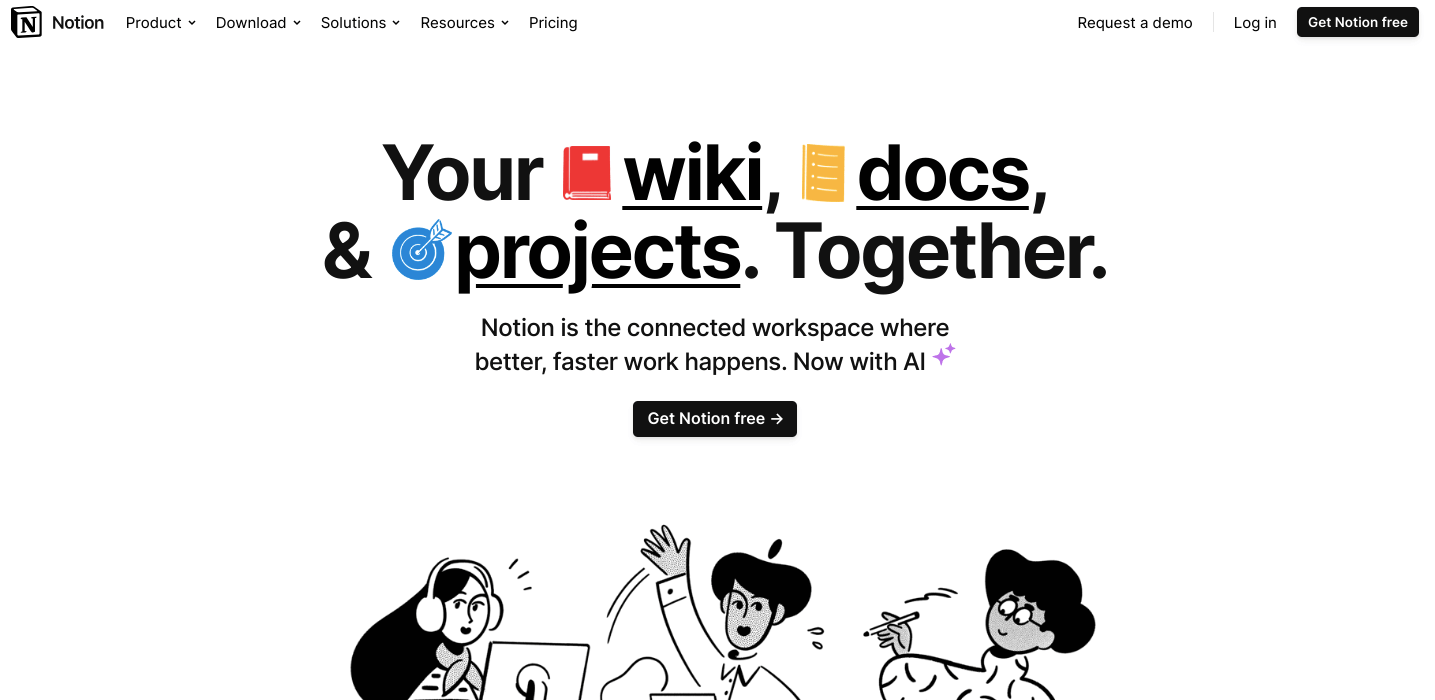
Productivity Softwares for Small Businesses - Notion

(Image Source: Notion)

Notion is a handy tool that does project management, note-taking, and task management all in one. It allows users to easily create project roadmaps and customize databases, templates, and workflows to fit their requirements. Small businesses benefit greatly from Notion’s flexible workspace, which easily adapts to different needs and workflows. Moreover, it actively integrates with various platforms and other third-party tools.

Pricing Plans
Free: $0
Plus: $8/User
Business: $15/User
Enterprise: On request
Note: The prices for all the mentioned softwares in this article are subject to change over time. Kindly refer to their official website.

Customer Reviews:

  • 7/5 (G2)
  • Earned recognition as a leading software in 2022
2. Toggl
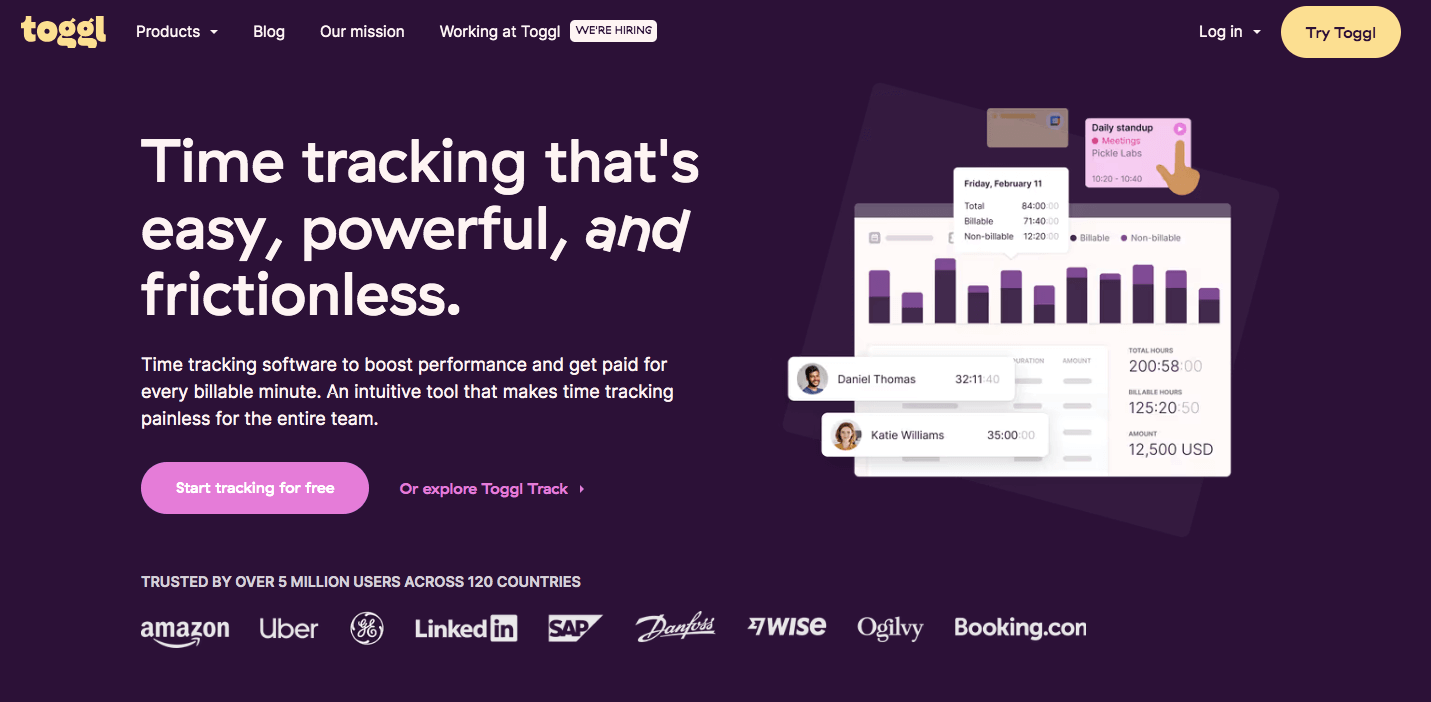
Productivity Softwares for Small Businesses - toggl

(Image Source: Toggl)

Toggl is a user-friendly time-tracking and management software that helps individuals and businesses keep tabs on how they spend their time. It is great for small businesses juggling multiple projects, allowing them to see where time is going. Toggl is also useful for monitoring billable hours per client and streamlining team collaboration and management. Additionally, it offers other helpful tools like Toggl Plan and Toggl Hire.

Pricing Plans
Free: $0
Starter: $9/month
Premium: $18/month
Enterprise: On request

Customer Reviews:

  • 6/5 (G2)
  • Earned recognition as one of the top 50 products for HR in 2021.
3. Calendly
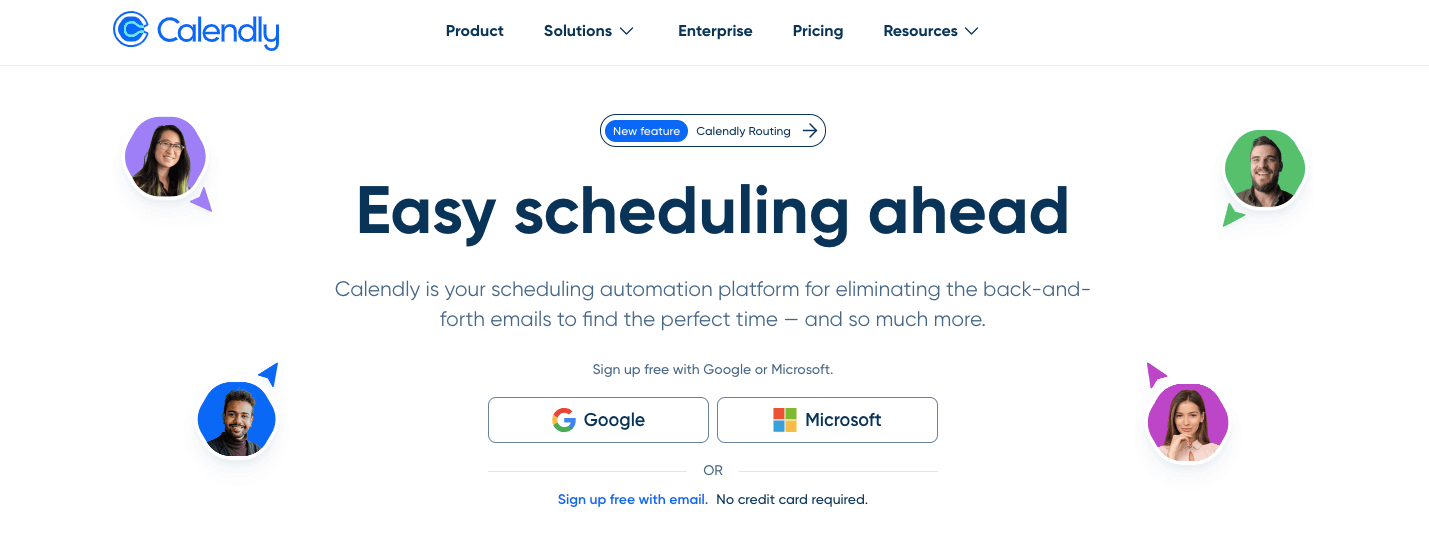
Productivity Softwares for Small Businesses - calendly

(Image Source: Calendly)

Calendly is a widely used scheduling tool with various features to boost productivity and streamline planning. It is especially useful for small businesses with multiple team members, providing functionalities such as team scheduling, built-in breaks between meetings, and automatic reminders.

Users can easily customize their availability, and Calendly takes care of the scheduling process by suggesting available time slots for each team member. What makes Calendly stand out is its user-friendly and straightforward interface, making it a valuable software for small businesses.

Pricing Plans
Free: $0
Standard: $10/User
Teams: $18/User
Enterprise: $15000/year

Customer Reviews:

  • 7/5 (G2)
  • Earned recognition as one of the top 50 collaboration products in 2023.

B) Financial Softwares for Small Businesses

Financial softwares for small businesses help owners and managers manage their money. They handle tasks like tracking income and expenses and keeping financial records organized. These softwares makes it easier for small businesses to handle their finances efficiently.

Here are the top 3 financial softwares for small businesses:

1. Billdu
Financial Softwares for Small Businesses- Bildu

(Image Source: Billdu)

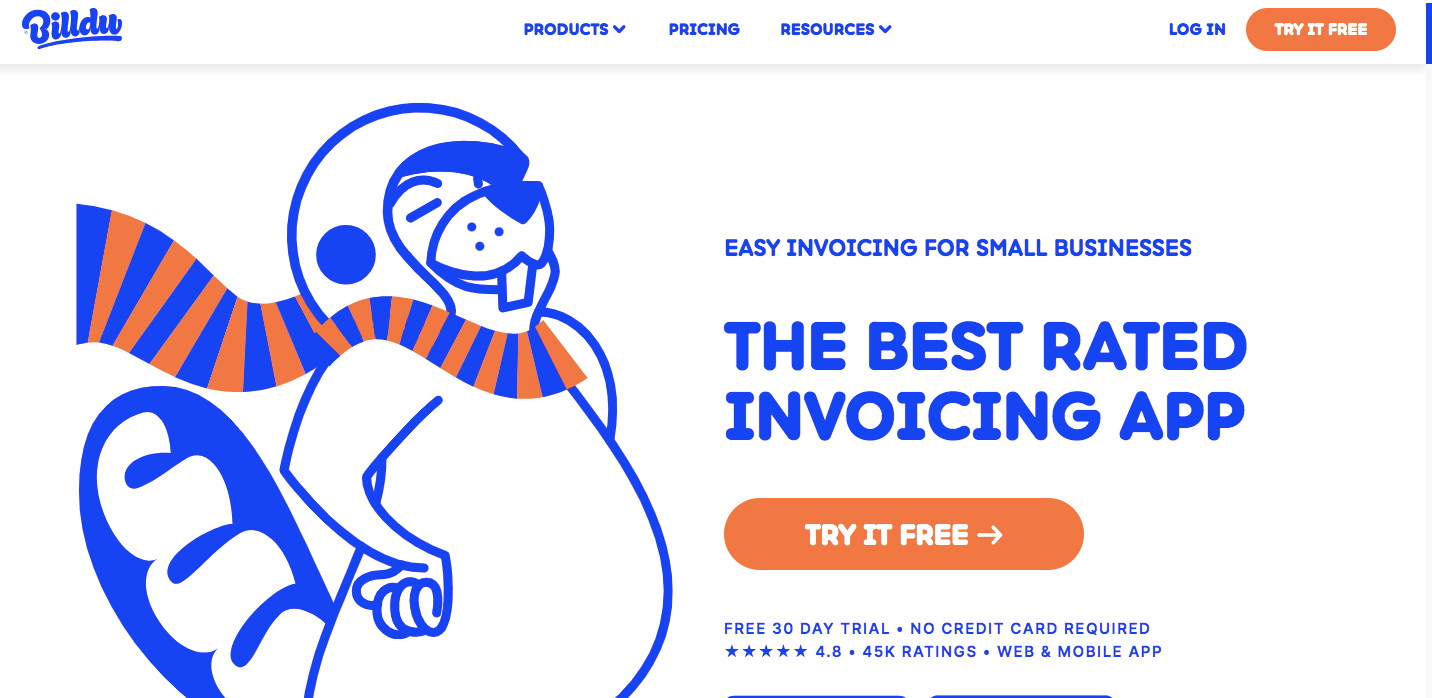
Billdu has become the top-rated invoicing software and app tailor-made for small businesses. Its quick and convenient invoicing capabilities and efficient expense tracking allow users to access them anytime and anywhere. Billdu goes the extra mile by facilitating the creation of estimates and quotes, empowering businesses to present detailed proposals to clients before sealing the deal.

What sets Billdu apart is its user-friendly design and wide range of features. From financial reporting to seamless payment gateway integration, clients can easily make online payments through the invoicing platform. With a focus on simplicity and a comprehensive feature set, Billdu proves to be a practical and smart choice for small businesses.

Pricing Plans
Free: $0
Lite: $3.99/month
Standard: $8.99/month
Premium: $16.99/month

Customer Reviews:

  • 8/5 (Google Play)
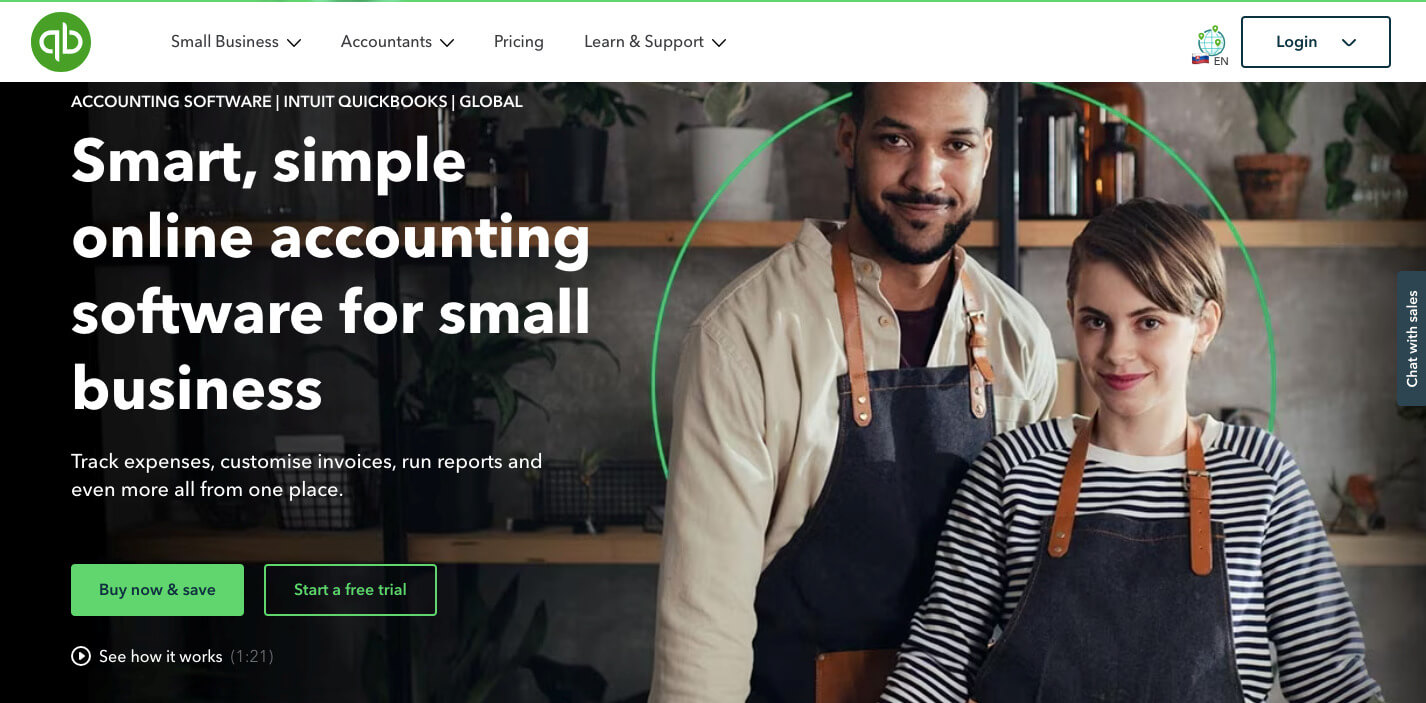
2. QuickBooks

Financial Softwares for Small Businesses- Quickbooks

(Image Source: QuickBooks)

Small businesses often rely on QuickBooks, a widely used accounting software, to simplify financial tasks. It helps users keep tabs on income and expenses through user-friendly bookkeeping and accounting features. With QuickBooks, users can easily generate invoices, track time, and access straightforward financial reports. Small business owners often find QuickBooks beneficial for its user-friendly features contributing to effective financial management.

Pricing Plans
Simple Start: $15/month
Essentials: $30/month
Plus: $45/month
Advanced: $100/month

 Customer Reviews:

  • 5/5 (Google Play)
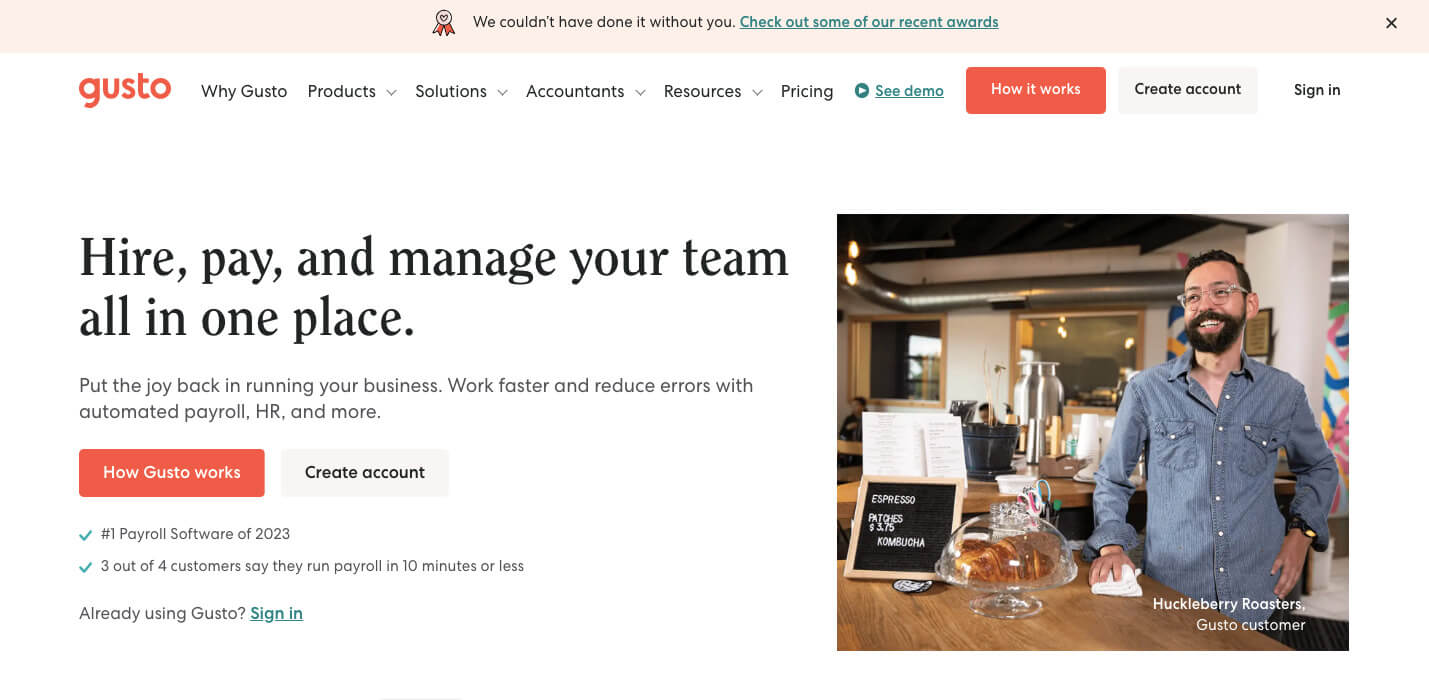
3. Gusto

Financial Softwares for Small Businesses - Gusto

(Image Source: Gusto)

Gusto is an easy-to-use payroll software created to simplify the payroll process for small businesses. It automates tasks like calculating salaries, hourly wages, and taxes. Gusto also makes onboarding new employees easier by efficiently gathering the required information. With its user-friendly and intuitive design, Gusto stands out as a go-to payroll solution for small businesses, handling payroll tax compliance effortlessly.

Pricing Plans
Simple: $40/month
Plus: $60/month
Premium: On request

Customer Reviews:

  • 6/5 (Google Play)

C) Analytics Softwares for Small Businesses

Analytics softwares for small businesses simplifies data analysis, helping owners make informed decisions. They organize and interpret business data, providing valuable insights without complexity. These tools enable small businesses to harness data effectively for improved performance.

A few best analytics softwares for small businesses are as follows:

1. Google Analytics
Analytics Softwares for Small Businesses - Google Analystic

(Image Source: Google Analytics)

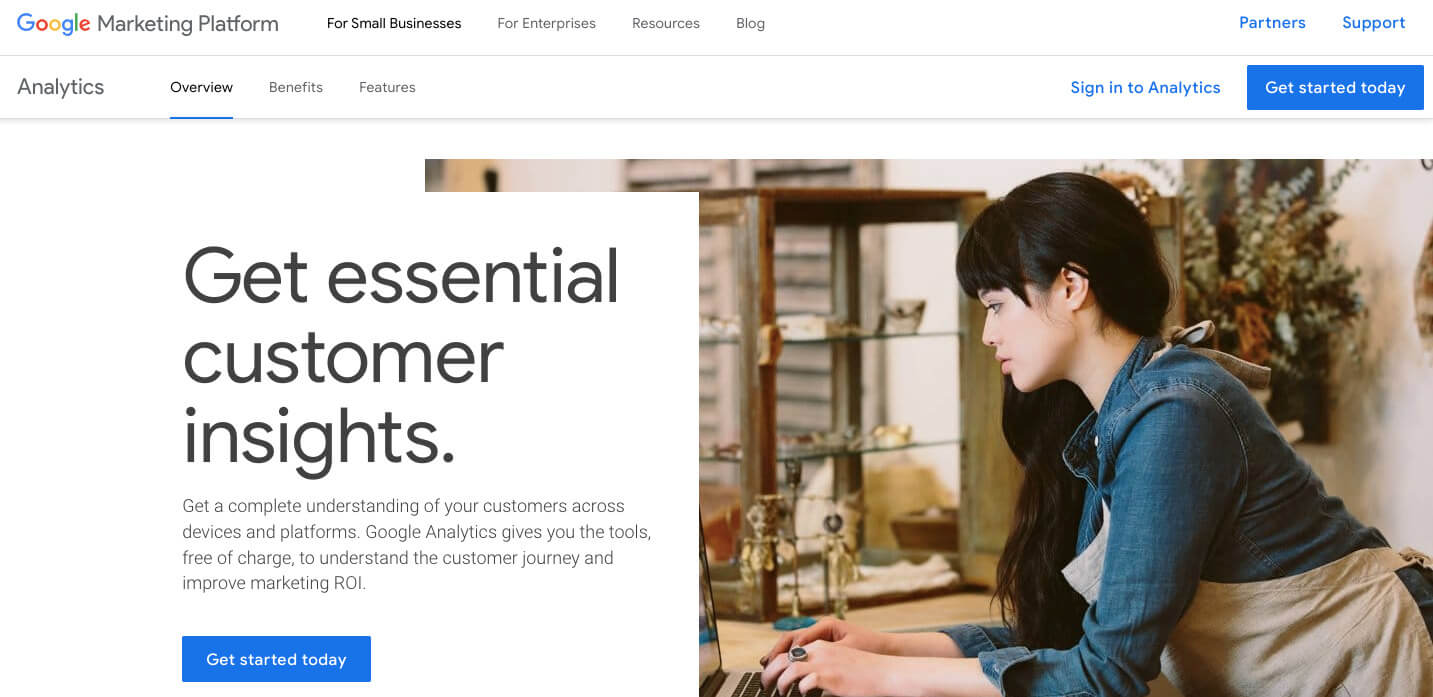
Google Analytics is a helpful tool from Google that gives you much information about your website. It helps you see how many people visit your site, what they do on it, and where they come from. It is important for business owners, especially small ones because it helps them know more about how their website is doing. Moreover, Google Analytics is user-friendly, making it easy for business owners to use. With the information it provides, business owners can make smarter decisions to make their online presence better and more successful.

Google Analytics Pricing:

  • Standard Plan is accessible without cost.
  • Google Analytics 360 has custom pricing based on factors like the volume of data and business needs; It is suitable for enterprises.

Customer Reviews:

  • 5/5 (G2)
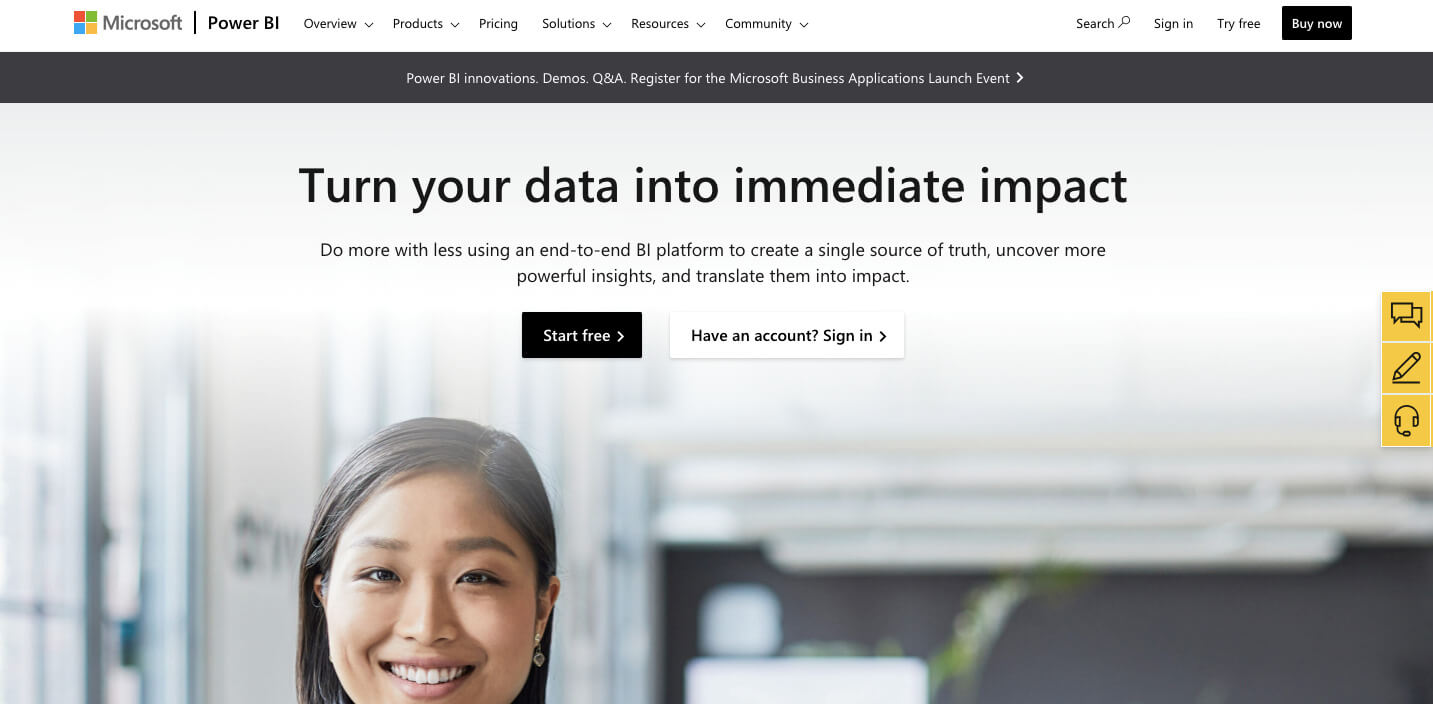
2. Microsoft Power BI

Microsoft Power BI

(Image Source: Microsoft Power BI)

Microsoft Power BI is a robust data analytics tool by Microsoft that provides in-depth insights and analytical capabilities for businesses. The key perks of using Power BI are getting a clear picture of your data, understanding how users interact with your information, and gaining valuable insights from reports.

For small business owners, Power BI is a game-changer. It is user-friendly and empowers you to make smart decisions based on real data.

Pricing Plans
Free: $0
Pro: $10/User
Premium: $20/User
Fabric: Starts from $4,995/ month

Customer Reviews:

  • 5/5 (G2)
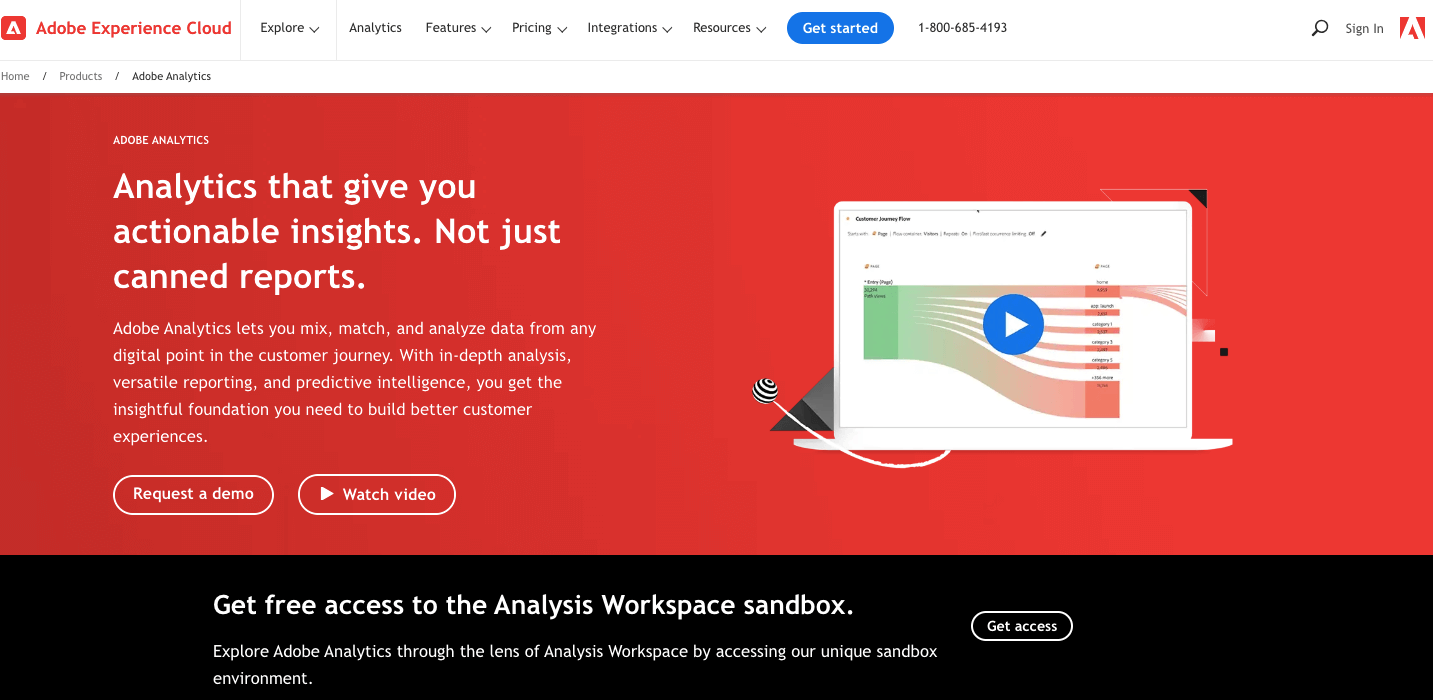
3. Adobe Analytics

Analytics Softwares for Small Businesses - Adobe Analystic

(Image Source: Adobe Analytics)

Adobe Analytics is a complete marketing analytics software specifically designed for small business owners. It helps them track, analyze, and enhance their marketing efforts effectively. With a user-friendly interface, it offers a variety of insights, such as user interactions, conversations, and more.

Small businesses looking for a powerful marketing analytics tool with advanced features, scalability, and easy integration with Adobe Marketing Cloud should consider Adobe Analytics.

Pricing:

  • Adobe Analytics offers custom pricing plans for each business.

Customer Reviews:

  • 1/5 (G2)
  • Earns recognition as spring 2023 Leader.

D) Marketing Softwares for Small Businesses

Marketing softwares helps small businesses promote their products and services online. They simplify email campaigns, social media management, and customer engagement, making marketing more efficient. Such tools allow small businesses to reach and engage with their audience easily.

Some such marketing softwares are:

1. SendPulse
Marketing Softwares for Small Businesses - Sendpulse

(Image Source: SendPulse)

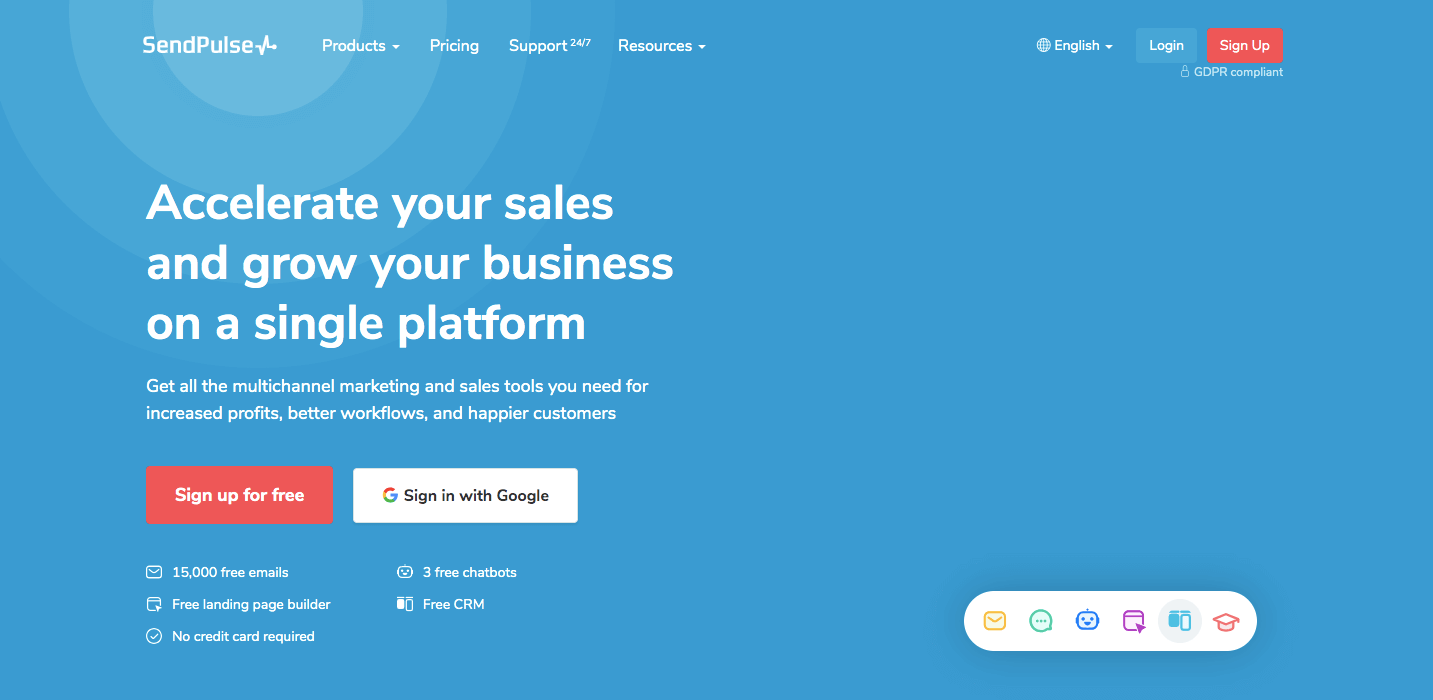
SendPulse is a tool that makes it easy for businesses to connect with their audience through various channels like email, SMS, and web push notifications. One standout feature is the chatbot builder, allowing users to create chatbots for platforms like Facebook, Instagram, Telegram, and WhatsApp.

The main goal of SendPulse is to simplify communication by bringing it all into one platform. You can also set up automated workflows based on user behavior, ensuring that your messages reach the right people at the right time in their customer journey. Its affordability, user-friendly interface, automation options, and analytics features make it particularly recommended for small businesses.

Pricing Plans
Free: $0
Standard: $8/month
Pro: $9.60/month
Enterprise: $13.44/ month

Customer Reviews:

  • 6/5 (G2)
2. Hubspot CRM

Marketing Softwares for Small Businesses - Hubspot CRM

(Image Source: HubSpot CRM)

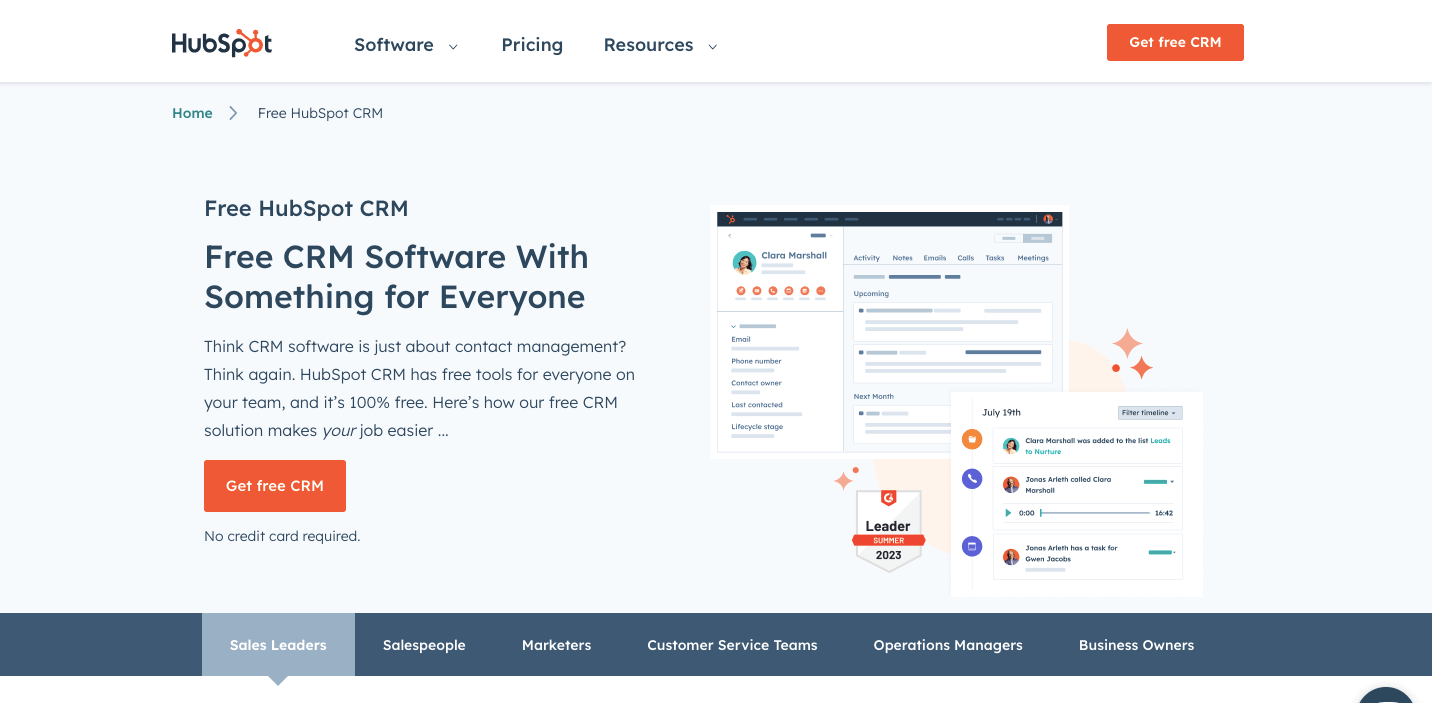
HubSpot CRM is a popular tool that helps small businesses handle and enhance their customer relationships. It comes with various marketing, sales, and customer service tools, all in one easy-to-use platform. One of its advantages is the user-friendly interface and a free subscription option, making it accessible to many small business owners. Additionally, it is scalable, allowing businesses to begin with a free plan and expand as their needs grow.

Pricing Plans
Free: $0
Starter: $18/month
Professional: $800/month
Enterprise: $3600/month

Customer Reviews:

  • 4/5 (G2)
  • Established among the top 50 sales products of 2023.
3. SocialBu
SocialBU

(Image Source: SocialBu)

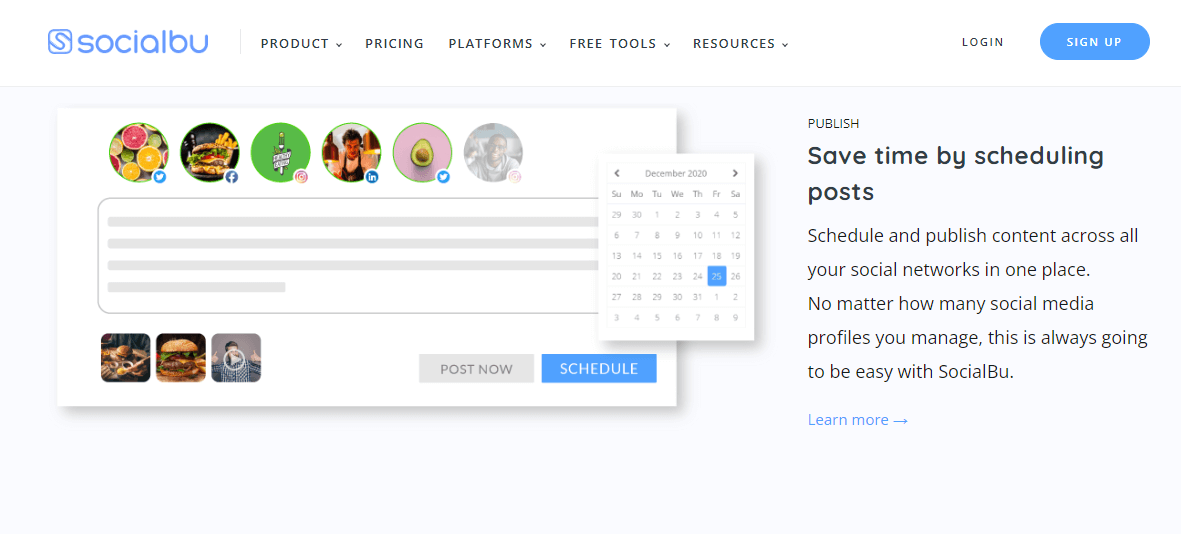
SocialBu is one of the excellent social media scheduling tools designed to save users time on social media activities. Users can schedule and publish content on all their social networks from one place, no matter how many profiles they handle. With smart and time-saving features, SocialBu gives you complete control over your social media management. It even includes advanced features like an AI content generator to enhance your social media content. For instance, if you ever need a fantastic caption, use this amazing feature from SocialBu. 

Pricing Plans
Standard: $19/month
Super: $59/month
Supreme: $199/month

Customer Reviews:

  • 6/5 (G2)
4. Storydoc

Storydoc

(Image Source: Storydoc)

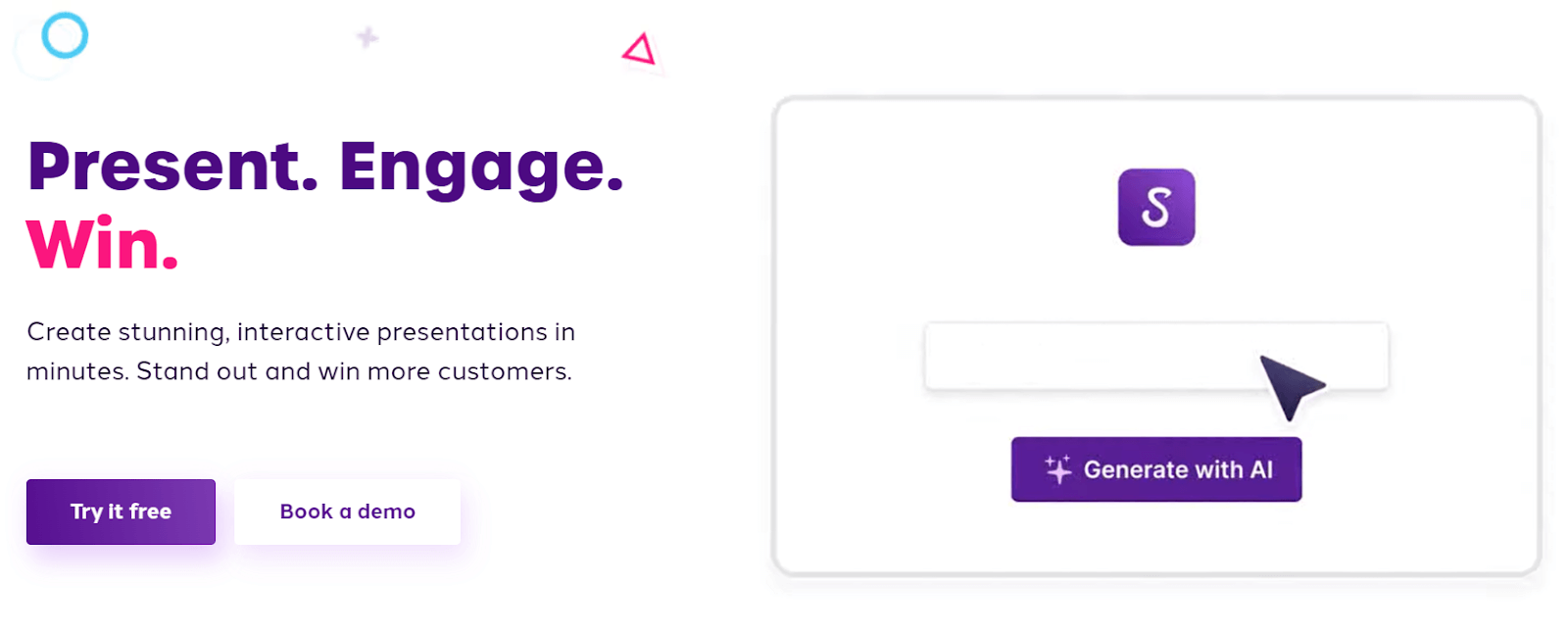
Storydoc is an AI tool that helps sales teams create compelling proposals and pitch decks for potential customers. It has templates for various business scenarios, all enhanced with the power of AI, allowing users to generate impressive decks quickly. What sets Storydoc apart is its interactive design that makes presentations engaging. It seamlessly integrates with other sales tools like sign-up forms, calendars, and CRMs. Furthermore, Storydoc includes built-in analytics to understand leads’ intentions better, making future calls more predictable.

Pricing Plans
Starter: $40/month
Pro: $60/month
Team: On Request

Customer Reviews:

  • 8/5 (G2)

E) Operations Softwares for Small Businesses

Operations softwares for small businesses streamline tasks, making day-to-day operations smoother. These softwares helps manage processes like inventory, orders, and customer interactions more efficiently. This type of software is user-friendly and enhances efficiency, enabling small businesses to save time and resources.

These are some valuable operations softwares to improve the overall functioning of small businesses:

1. Iubenda
Operations Softwares for Small Businesses - Ibunda

(Image Source: lubenda)

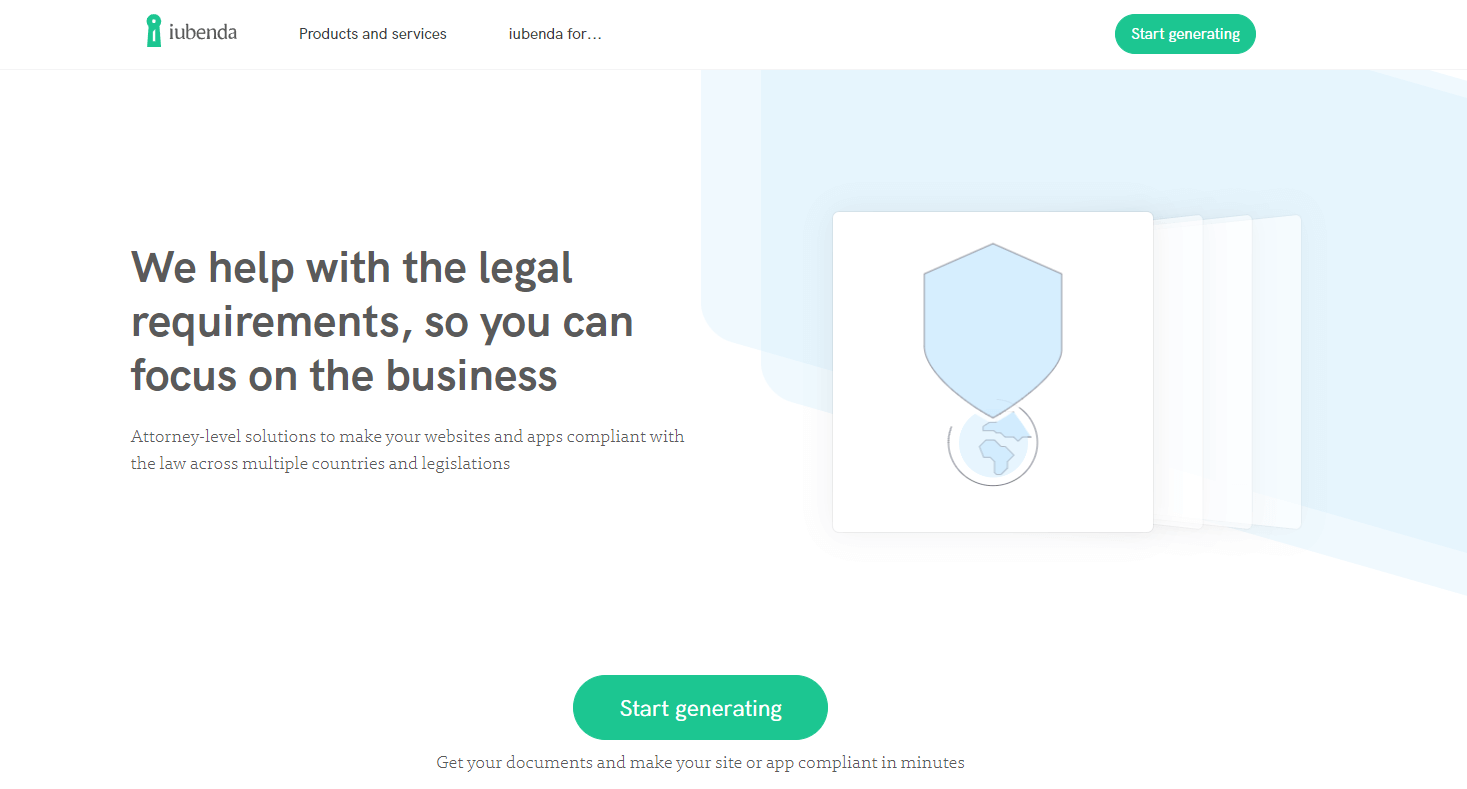
Iubenda is a tool that helps companies follow online privacy laws like the EU’s GDPR and California’s CPRA. It provides everything you need for compliance, such as privacy policies, cookie banners, consent management, and Terms and Conditions. You can manage all these aspects in one place using a single account and dashboard.

Iubenda is particularly helpful software for small businesses, as it simplifies the compliance process, making it easy, user-friendly, and cost-effective, ultimately saving time and money.

Pricing Plans
Essential: $6.99/month
Advanced: $27.99/month
Ultimate: $119.99/month

Customer Reviews:

  • 4/5 (G2)
2. BambooHR

Bamboo HR

(Image Source: BambooHR)

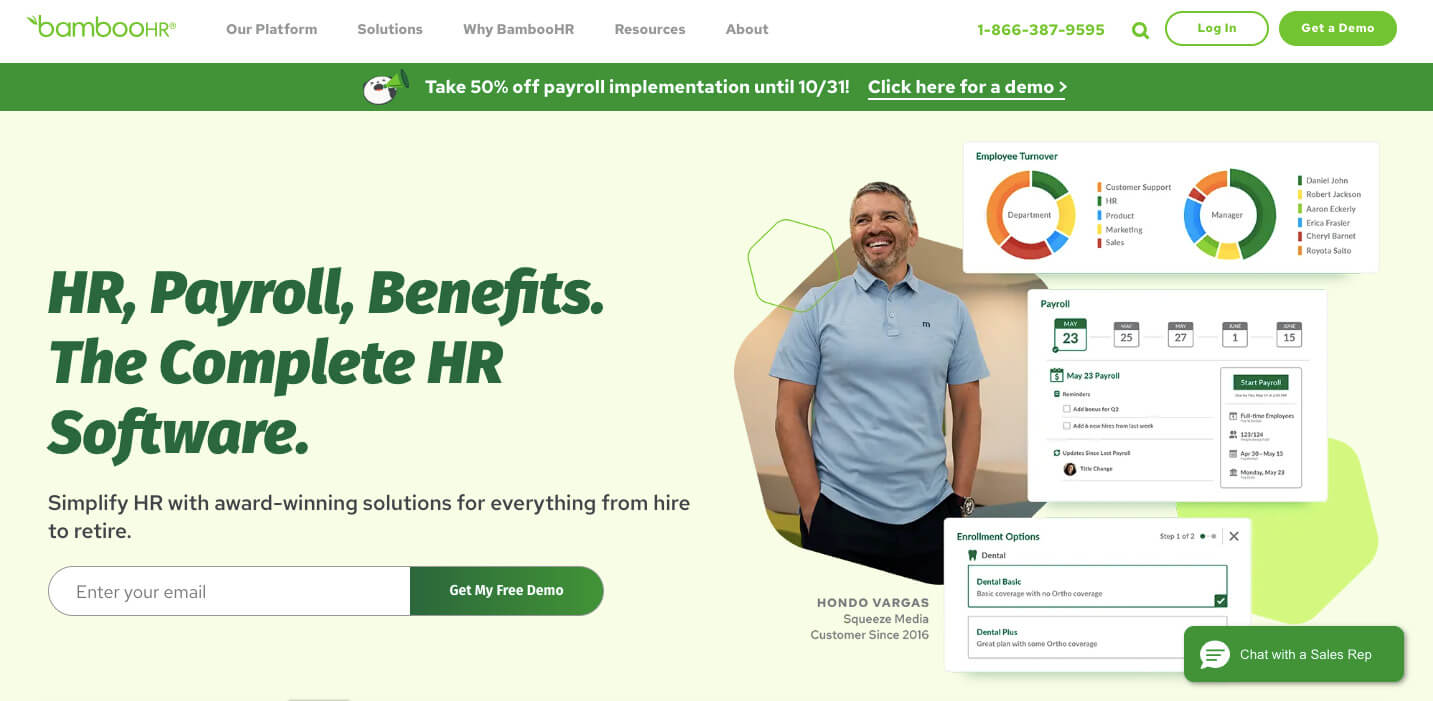
BambooHR is an HR management software for small and medium-sized businesses, accessible through the cloud. It provides a range of HR features, such as a centralized employee database for securely storing information, tracking time and attendance, and handling time-off requests.

The software also includes tools to streamline recruitment, allowing businesses to post job offers and track applicants. BambooHR is particularly well-suited for small businesses because it can adapt to their needs, has an easy-to-use interface, and offers customizable subscription plans.

BambooHR Pricing:

  • BambooHR offers custom plans where you pay just for features that you need.

Customer Reviews:

  • 5/5 (G2)
  • Established as a fall 2023 leader.
3. Cherry Servers
Chery Servers

(Image Source: Cherry Servers)

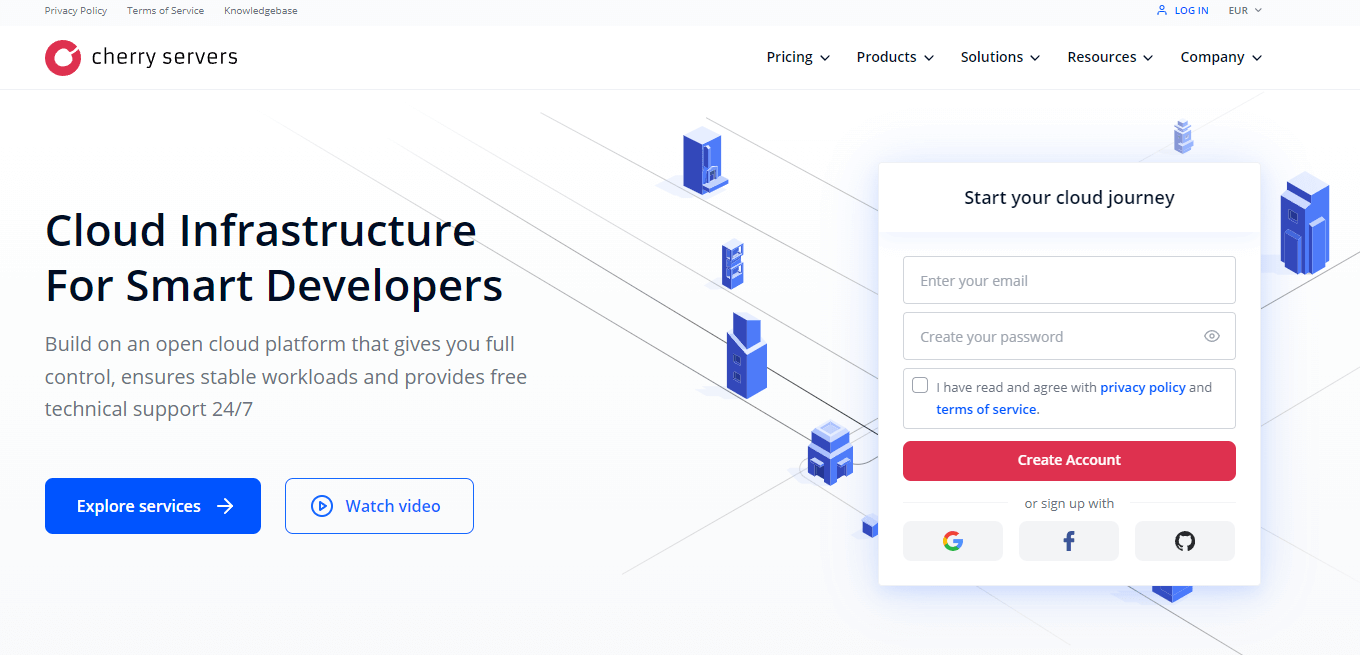
Cherry Servers offers an affordable cloud infrastructure perfect for small businesses. Starting at a few dollars per hour or month eliminates the high costs of maintaining on-premise servers. Small businesses can easily adjust their resources based on changing needs with a pay-as-you-go model and customizable virtual servers. Furthermore, the free 24/7 technical support ensures continuous uptime and productivity for small teams. The user-friendly interface and adaptable APIs make it simple for non-technical founders and small teams to handle their hosting.

Pricing Plans
Virtual Server: Starting from $9.72/month
Dedicated Server: Starting from $215/month
Custom Server Builder: $495.72/month

Customer Reviews:

  • 5/5 (Trustpilot)

Final Thoughts

This was the top softwares for small businesses. After looking into each software’s important features, benefits, details, and costs, you should now have a clearer idea of which suits your business best. It will help you enhance your business operations and stay ahead of competitors.

Moreover, integrating security technology and employee time-tracking softwares can simplify processes and improve your business strategy.

Read More

WhatsApp Marketing – A Detailed Guide For Businesses | E-Services 360

What is WhatsApp Marketing?

When businesses use WhatsApp to promote their products/services and improve customer service, it is called WhatsApp marketing.

Table of Contents

Why is WhatsApp Marketing Crucial For Businesses?

With the internet being the most used thing today, firms need to try unique approaches and platforms to engage audiences. That’s why WhatsApp, the universally prevalent messaging platform, has become one of the most effective platforms in marketing. Therefore, WhatsApp marketing is essential for businesses to succeed in today’s world.

However, handling WhatsApp marketing campaigns can sometimes be difficult. In such situations, businesses can use WhatsApp marketing softwares that simplifies the process of managing campaigns on WhatsApp by providing services such as analyzing data, providing insights, creating personalized messages, etc. WhatsApp marketing softwares differs from other messaging platforms because it lets firms send customized messages and communicate one-to-one with customers, amplifying the campaign’s effectiveness.

In this inclusive guide, we will take you through the ins and outs of WhatsApp’s marketing strategy.

Benefits of Using WhatsApp Marketing

  • The platform is free for sending all forms of messages: text, images, videos, and voice.
  • The expenses to run a WhatsApp marketing campaign are many times smaller than other options like print or cable TV advertising.
  • The businesses can run campaigns that reach a wide segment of the population at a fraction of the cost as earlier, mainly in the case of international communication.
  • Automating some functions allows businesses to save money by being operational while improving their marketing campaigns.
  • WhatsApp marketing is a low-cost approach for client retention, attracting potential customers, and accomplishing business targets in the present digital atmosphere.

Successful WhatsApp Marketing Strategies For Business

  1. Boost Customer Engagement: Use established avenues such as email or your website to publicize your WhatsApp presence and invite your customers to receive texts from your enterprise. It guarantees that you follow WhatsApp’s policies and safeguard the users’ privacy.
  2. Craft Compelling Content: Customize your content in line with your target audience. Combine texts, photos, and videos together to sustain people’s interest as well as variation to your messages.
  3. Offer Value: Offer your customers exclusive offers, discounts, or valuable content on WhatsApp to encourage them to engage with your business. Offering real rewards not only drives consumer loyalty but also helps build your brand image.
  4. Maintain Consistency: Uniformity in brand tone, frequency, and messaging is a prerequisite for developing trust and recognition. You should establish consistent guidelines for your team to ensure they use the same approach in all their interactions.
  5. Implement Automation: Automation can make otherwise time-consuming processes more efficient and effective. Implement WhatsApp Business API or third-party tools to offer automatic responses, control contacts, and send targeted messages.

WhatsApp Marketing – Best Practices

  • Respect Users’ Privacy: Before sending promotional messages, make sure that your clients have given you their explicit consent. Respect users’ preferences regarding how frequently and what information you provide them.
  • Be Responsive: Provide quick answers to customer inquiries and feedback. WhatsApp’s real-time communication feature means that the customer service agents must be reactive and respond promptly.
  • Encourage Interaction: Prompt users for feedback through polls, surveys, and contests for them to engage with your company. The interactive content allows participation and builds long-lasting relations with the customers.
  • Monitor and Analyze Performance: Keep an eye on important performance metrics like the open metrics, reply rates, and conversion rates. Bring science to your online marketing. Analyze data to tailor your strategy and optimize efficiency over time.
  • Stay Compliant: Familiarize yourself with WhatsApp policies and guidelines to ensure you follow them actively. Do away with spammy techniques and, above all, maintain a good user experience and privacy.

WhatsApp Marketing – Sephora Case Study

Sephora, the French wellness company, sells everything from skincare to fragrances. Although popular worldwide, the company has been adapting to evolving marketing strategies to keep succeeding.

After using LiveChat on their website during the pandemic, the business soon adopted WhatsApp marketing. Due to this improvement, customers could contact Sephora via WhatsApp with queries or concerns regarding products, orders, or other matters. It enhanced their customer support in various ways. Additionally, Sephora utilizes WhatsApp to offer guidance and recommendations to customers.

Moreover, by messaging Sephora on WhatsApp with details like their skin type and makeup preferences, customers can receive personalized tips and suggestions from Sephora’s beauty experts. Sephora also provides exclusive discounts and promotions to its customers as a bonus. All this helps Sephora provide each client with personalized service and, in turn, increases sales.

Read More

How Custom Mobile Skins Benefit Corporate Devices? | E-Services 360

What are Custom Mobile Skins?

Mobile devices have become important tools for communication, productivity, and collaboration in the workplace. Many companies provide their staff with mobile devices, such as smartphones and tablets. However, ensuring these devices represent the company’s branding can be challenging. That’s where custom mobile skins come into play, providing a better solution.

Mobile skins are thin covers made from vinyl or plastic that protect mobile devices. Moreover, there are custom mobile skins where firms allow employees to customize their business as per their desire while still maintaining the company’s brand identity and preserving and enhancing mobile device performance.

An example of such a skins company is “ar mobile skins.” Whether companies use it for personal expression or corporate branding, it offers many benefits and a range of customization options.

Advantages of Mobile Skins

The following are some advantages of mobile skins.

1. Protects Devices against Physical Damages

Mobile skins protect against scratches, scuffs, mild impacts, or any other physical damage. Moreover, they help to keep the device’s original appearance for a longer duration. This protection is especially crucial for expensive smartphones and tablets, as it can prevent damage and extend the device’s lifespan.

2. Offers Personalized Designs

Mobile skins allow users to personalize their devices to reflect their individuality and unique style. Users can personalize their devices using various colors, patterns, and materials in the company’s template.

3. Helps Represent Brand Identity

Businesses and organizations can use it to promote their brand identity by including company logos, colors, and other branding features. In this way, businesses can ensure a consistent brand image across all devices employees or customers use for stronger brand identification.

4. Provides Better Grip

Many skins have textured surfaces or grip-enhancing materials, which make it easier for consumers to hold their devices securely. This lowers the risk of accidental drops and improves the overall user experience, particularly on devices with smooth or slick surfaces.

5. Regulates Devices Temperature

Some modern mobile skins regulate device temperature and dissipate heat more efficiently. This can help reduce overheating, enhance device performance, and extend battery life, particularly while performing resource-intensive gaming or video streaming applications.

6. Maintains the Device’s Resale Value

Protecting the device from physical damage, such as scratches, can help maintain its resale value. Devices that are well-maintained and in good condition are more appealing to potential buyers, resulting in better resale values.

7. Easy to Remove

Unlike bulky cases or covers, users can easily remove these layers without leaving any residue or damage. Moreover, this allows firms to change the appearance of their gadget whenever they want without committing to a permanent design or color palette.

Why Are Custom Mobile Skins Important For Corporate Branding?

Corporate branding is vital for creating a strong identity among clients, partners, and stakeholders. It enhances brand credibility by showing what the company does and how professional and trustworthy it is. In addition, adopting strict branding rules and requirements on employee-owned devices can result in employee unhappiness and make them feel less creative.

Therefore, a company’s major problem is personalizing its divides by preserving brand continuity with mobile skin templates. However, mobile skins allow employees to personalize their devices with company-approved designs, colors, and logos. This customization builds employees’ sense of ownership and pride, increasing their loyalty to the firm.

Some of the important aspects of using mobile skins in corporate branding are as follows:

1. Boosts Brand Visibility

By putting company logos and branding features into smartphone skins, businesses may boost brand visibility and awareness internally and internationally. Employees become like brand ambassadors, unknowingly the company whenever they use their devices in public.

2. Builds Professionalism

Apart from personalization, it helps businesses maintain professionalism and strengthen brand identification. Moreover, using the same branding across various devices can promote organizational unity, meaning it helps people recognize and trust the brand more.

This professionalism is essential when employees interact with clients, partners, and other stakeholders. A proper skin template will show the company’s dedication to quality and professionalism.

3. Protect Devices

Mobile skins protect corporate devices from physical damage, extending their lifespan and eliminating the need for expensive repairs or replacements.

Strategies to Implement Custom Mobile Skins in the Workplace

The following are some strategies that companies can use to implement mobile skins in their workplace.

  • Organizations should create clear standards and guidelines for designing and using mobile skins. It includes the colors, logo, and branding components employees can use.
  • After setting the standard identity parameter, employees can personalize their device experiences while maintaining brand integrity and adhering to company rules.
  • Provide proper training and useful tools to help employees understand the value of brand consistency and the function of mobile skins in personalizing corporate devices.
  • Emphasize the importance of keeping a professional appearance while allowing for personal expression.

Final Thoughts

Custom mobile skins are essential for personalizing business devices while ensuring brand continuity in the workplace. Organizations can develop a sense of ownership among employees while maintaining brand recognition and professionalism. Developing an engaging company culture by creating clear guidelines and promoting innovation is important.

Read More

9 Realistic Google Ads Tips for Your Small Business | E-Services 360

How to Use Google Ads Tips For Your Small Business?

When connecting your small business with potential customers, regardless of your product or service, Google Ads (formerly known as Google AdWords) should be one of your go-to tools. However, before you jump in, it is essential to have a Google Ads strategy in place. So, this article provides 9 Google Ads tips for your small business.

If you are new to the business world and want to set up a UK-limited company, UK’s company formation experts, 1st Formations, can help. Starting from only ÂĢ12.99, they will register your company quickly and seamlessly. All you have to do is pick your company name, choose your formation package, make payment, and provide your company details. It’s entirely online, and they often complete the registration within a day.

9 Google Ads Tips

These are the top 9 Google Ads tips you must know:

  1. Pick Your Goal
  2. Know the Different Ad Types
  3. Set a Budget
  4. Think Like Your Target Audience
  5. Don’t Use Broad Match Keywords
  6. Use Negative Keywords Efficiently
  7. Create Flawless Ad Content
  8. Direct Users to the Right Site
  9. Regularly Analyze and Tweak Ads

Let’s discuss each of the Google Ads tips in detail.

1. Pick Your Goal

After setting up a Google account and adding your business’s name and website info, the first step to get started with Google Ads is to know what exactly you want to achieve with the platform.

  • Do you want more visitors to your website, which will result in sales or sign-ups?
  • Would you like more people to come by your place of business physically?
  • Do you want more phone calls?
  • Do you want to create brand awareness?

These are all advertising goals and questions that Google will ask you when you start a campaign. The type of business you own already explains half of these goals. For example, if you are a plumber – you probably want to encourage phone calls, or if you operate an online shop, you want to attract customers to your website.

So, start by picking the goal that’s right for you and your business.

2. Know the Different Ad Types

If you think Google Ads is just about appearing at the top of a list when someone enters your keyword, you might be wrong. It is called the traditional ‘Search’ ad, and yes, it is still a big hit among businesses. However, if you want to stand out, you also need to know about the eight other types of Google Ads:

  • App
  • Discovery
  • Display
  • Local Services
  • Performance Max
  • Shopping
  • Smart
  • Video

What’s suitable for one business won’t be appropriate for another. A hairdresser will likely use a Local Services ad, not an App ad. A thought leader who wants to push their content will probably utilize Video ads but not Shopping ads.

This means you need to choose the ad type that allows you to share your message with the correct audience in the relevant place.

3. Set a Budget

Google Ads can be expensive. In the UK, the average cost-per-click is ÂĢ1.95 for using Google Search Network (General Google search function and YouTube). However, some clicks can cost pennies and others more than ÂĢ10. It all depends on the keywords.

Fortunately, when it comes to managing your budget, Google makes it easy for you by allowing you to pause, edit, and stop campaigns whenever you want. However, to manage all this, you must have a maximum spend in mind.

When setting your budget, the questions you need to ask yourself include:

  • How much can you afford?
  • What figure could you make from the campaign if it all goes to plan?
  • How long do you intend to run the campaign?

Our advice, especially for your initial campaigns, is to start by using daily budgets. These generally work well for smaller businesses that have only a few campaigns running at the same time.

4. Think Like Your Target Audience

You may think you have a good idea of the keywords that are appropriate for your business, but did you think about the terms that your customers are using?

When setting your keywords, it’s all too easy to assume that your clients share the same level of expertise as you. This way, you may use sector-specific terminology. But, the people you are trying to target probably don’t have the level of expertise you do.

You need to think like your audience. Avoid complicated terms that only industry experts will understand (unless these are the people you are targeting), and instead, use words and phrases that a layman would use.

There are plenty of keyword tools available, often free, that will help you find the right keywords for your business. Be sure to take advantage of these.

5. Don’t Use Broad Match Keywords

At the same time as avoiding jargon, you also need to ensure that your keywords aren’t too broad. Broad keywords don’t target a specific audience but a large one. For instance, if you sell children’s clothing, you may assume that ‘children’s clothes’ is a safe bet. However, it’s a very broad term. In this instance, you would be far better off bidding on terms targeting specific clothing items, like pocket leggings, red dresses, etc.

Likewise, if you specialize in selling second-hand technology, instead of focusing on broad keywords and terms like ‘restored smartphones’ or ‘second-hand gaming consoles’, use specific model names. This way, you will connect with people who are interested in exactly what you are offering.

6. Use Negative Keywords Efficiently

Google Ads allows you to add lists of negative keywords to your campaigns. These words and terms are associated with your business’s industry but not exactly with your business. If you apply negative keywords, your ads will not appear for anyone who is searching for them, saving you money and the user time.

Let’s look at an example. If you are an online tutor who teaches GCSE Maths and Science, you will not want your ads to reach someone studying GCSE History or any A-level topics. Therefore, by curating a list of negative keywords (in this case, ‘GCSE History’ and ‘A-Level’) and adding these to your campaign, you ensure your ad reaches your target audience.

7. Create Flawless Ad Content

Ultimately, everything is about the quality of the ads you create. You can tweak campaigns, reset budgets, and update keywords, but if the ads you produce aren’t good enough, you will not meet your goal. They are the focus of your campaigns and should not be an afterthought.

You need to carefully consider headlines, descriptions, and imagery (in the case of visual ads). Carry out research by looking at what industry leaders and competitors are doing,

as well as casting an eye over what other businesses, away from your sector, do.

  • What sort of language do they use in the headlines?
  • Do descriptions repeat the message of the headline, or does the content shift?
  • Do others mention prices and specific services?

Ask yourself if you want to follow these guidelines or if you are going to attempt something a little different. Only then should you sit down and dedicate the necessary time to writing your ads.

8. Direct Users to the Right Site

Have you ever clicked a Google Ad only to be taken to a location that doesn’t relate to the content you clicked on? Frustrating, isn’t it?

A key part of creating ads that bring results is thinking about the user’s whole journey, from seeing the ad to selecting it and then being directed to a place that makes complete sense. If you fail to get that final step right, the click will be pointless, as the user will be confused and simply drop out.

When the ad is about a specific service, send the reader to its dedicated page. When the ad highlights an article you have written, send the reader to the article. When the ad mentions a special offer, send the reader to a page that references this offer.

9. Regularly Analyze and Tweak Ads

Finally, if your ad isn’t working, do not be afraid to pause the campaign and make necessary updates or, if required, abort the campaign and start a new one.

A key to Google Ads success is recognizing that you won’t be correct every time. When something isn’t going to plan, rather than sit back and watch your budget whittle away, take action as soon as you can.

It’s all about analyzing, acting accordingly, and then taking knowledge learned from previous campaigns into new ones.

Final Thoughts

That’s how to use Google Ads for your small business. Put these nine Google Ads tips into practice today to give your business the best chance of achieving success through the platform.

Read More